Nearlong Golf Shaft Flex Mismatch: Check These Specs
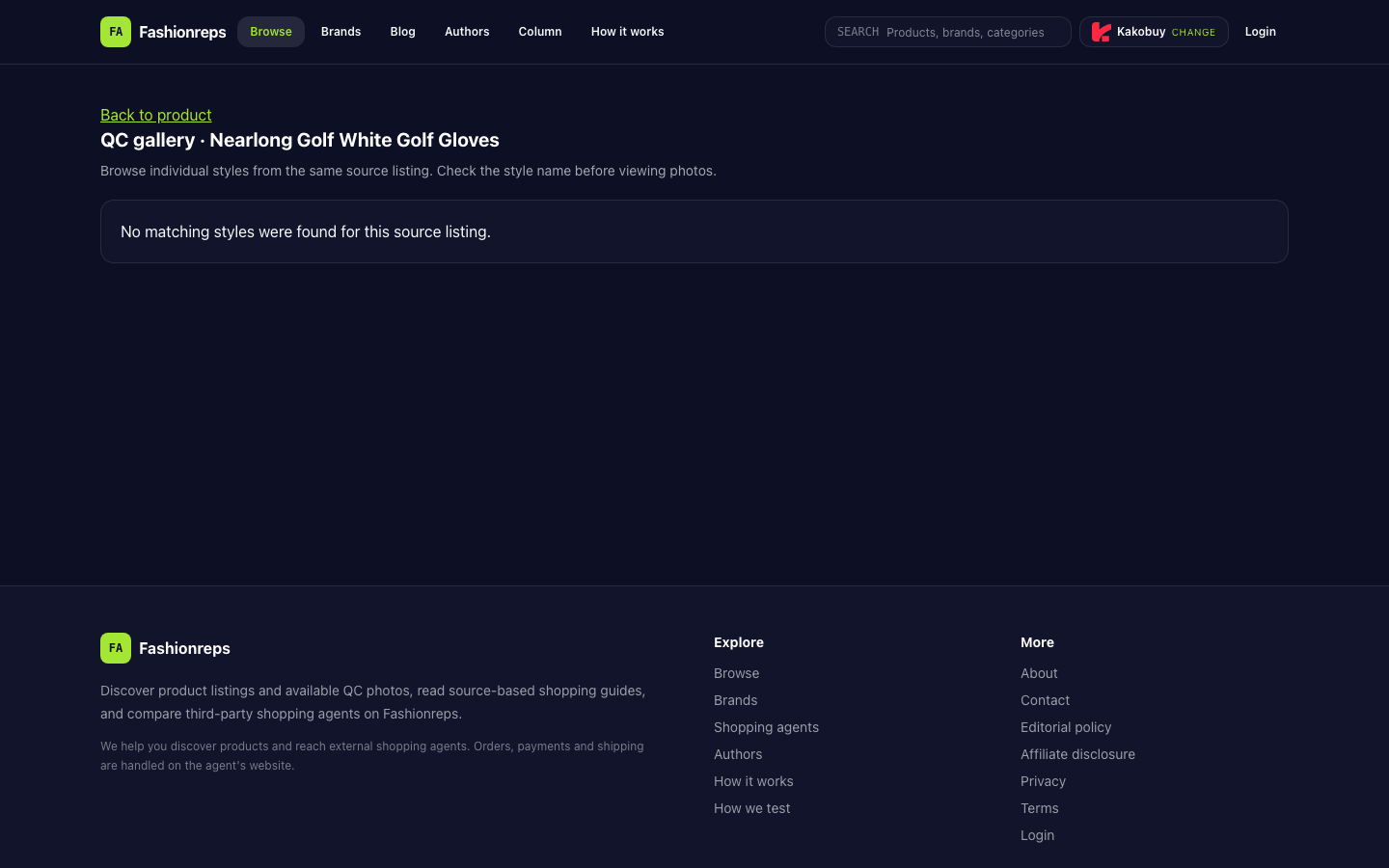
If you're about to buy a [nearlong golf](https://fashion-reps.net/brand/nearlong-golf) club but notice inconsistent shaft flex on the product page, variant selector, cart, or checkout, don't pay yet or resubmit the order. The only verifiable page evidence currently shows a Nearlong Golf glove QC page saying "No styles found matching the source product," which cannot prove the club's shaft flex, length, handedness, or stock. So this check focuses not on guessing the right specs but on confirming
- Published
- Editors
- Nathaniel Brooks · Editor-in-Chief and Founder
- Record updated
- Editor score
- 4.2 / 5
If you're about to buy a nearlong golf club but notice inconsistent shaft flex on the product page, variant selector, cart, or checkout, don't pay yet or resubmit the order. The only verifiable page evidence currently shows a Nearlong Golf glove QC page saying "No styles found matching the source product," which cannot prove the club's shaft flex, length, handedness, or stock. So this check focuses not on guessing the right specs but on confirming whether your submitted order fields are complete, consistent, and traceable.
First identify which inconsistency you're seeing
Shaft flex, length, and handedness are combined specs. One field displaying correctly doesn't mean other pages have passed it through. Start by categorizing the difference:
- Product title or main image differs from the spec selector—possibly page info not synced.
- Flex and handedness are selected in the selector, but the cart shows only a generic model—variant info may not have transferred fully.
- Cart shows complete specs, but checkout lacks flex, length, or handedness—cannot assume the order will still follow the selected specs.
- Page only lists a model name without explicit flex, length, or handedness—insufficient spec evidence.
- Order notes ask for specs, but the page doesn't say whether notes will be used by the seller—can't treat notes as confirmed variants.
Save original info from four pages first
Before proceeding, take screenshots of the product page, variant selector, cart, and checkout. Include page URL, product name, selected variant, and timestamp; don't capture only a single dropdown.
Also record the following:
| Location | Fields to record | Check focus |
|---|---|---|
| Product page | Model, shaft flex, length, handedness | Does the page explicitly list the full combined specs? |
| Variant selector | Currently selected flex, length, handedness | Are all fields actually selected? |
| Cart | Product name, variant summary, quantity | Are full specs retained, or just the model shown? |
| Checkout | Pending item, specs, order notes | Any missing, reverted, or altered fields? |
If the page supports copying spec text, save that too. Don't compare from memory, as page summaries can change after dropdown switches.
Compare combined specs item by item
Break specs into four items, not just the "flex" column:
- First confirm the club model. The same model may have different flex, length, or handedness combos.
- Then confirm shaft flex. Record the original markings like R, S, or other text; don't convert different marks into another scale yourself.
- Then confirm length. If the page shows only standard length, numbers, or unclear units, keep the original wording and ask the seller for the actual meaning.
- Finally confirm handedness. Left or right must correspond to the specific option on the product page—don't infer from grip direction in images.
- Check if the combination actually exists. Having options for flex, length, and handedness doesn't guarantee the combo is orderable.
If any of the four pages can't simultaneously match model, flex, length, and handedness, treat the status as "specs unconfirmed," not default to the title or initial selection.
How to tell display differences from variant transfer failure
Use a one-time, repeatable test: without paying, select a clear set of specs, record before/after page changes, then open cart and checkout to verify.
Watch for these signs:
- After selecting flex, product name or variant summary doesn't change.
- After switching length or handedness, cart summary still shows original content.
- Checkout shows only model and quantity with no spec fields.
- Page shows spec options but reverts to defaults after submit.
- Spec selector shows selected values, but order notes auto-generate a different description.
These signs only indicate a potential break in the spec chain, not proof the seller will ship wrong. To confirm actual orderable specs, get a clear answer through the platform or the product's official support channel.
Limitations of current page evidence
The currently verifiable source is the Nearlong Golf glove QC page, not the target golf club's detail page. That page says no matching styles were found, so it cannot confirm the club's shaft flex, length, handedness, price, stock, or shipping specs.

This image only documents the current QC page state, not the club itself, shaft labels, order specs, or QC evidence. If you need to verify a club, obtain fresh screenshots of the relevant club product page, variant page, or order page.
Confirm actual specs via official support
When asking for help, don't just say "Can I buy this?" Submit checkable info at once: product page URL, model, selected flex, length, handedness, cart screenshot, checkout screenshot, and where the inconsistency appears.
Clearly ask:
- Does this model really offer the selected combination of flex, length, and handedness?
- Will fields not shown in cart or checkout still be passed to the seller?
- Are order notes treated as official specs or just reference?
- After ordering, can I see final spec confirmation before payment?
- If the page can't show full specs, what ordering method does the platform recommend?
Keep the support reply's original text and time. If the reply just says "ship per notes" or "check after ordering" without confirming the specific combo, specs are still not locked.
Stop when these occur
Pause payment and avoid resubmitting the same order if any of the following happen:
- Shaft flex, length, or handedness can't be matched between cart and checkout.
- Spec options exist but you can't confirm the selection was written to the order.
- Product page, spec table, and order summary give different content for the same field.
- Page doesn't clearly say whether a spec combo is purchasable.
- Official support can't confirm actual shipping specs.
- You can only infer handedness or flex from images, model names, or personal experience.
Pausing doesn't mean the product is definitely faulty—it avoids forming an irreversible payment or purchase record when key specs are unconfirmed. Wait until the product page, order summary, and official reply all point to the same model, flex, length, and handedness before deciding to proceed.
Conclusion
When handling nearlong golf club spec inconsistencies, the safest order is: save evidence from four pages, compare model, flex, length, and handedness item by item, then confirm via official support whether fields actually transfer to the order. Pause payment if any key spec is missing or conflicting. The currently verifiable QC page only covers Golf gloves with no matching style, so it cannot substitute for club product evidence or confirm any club specs or purchase status.
Community feedback (0)